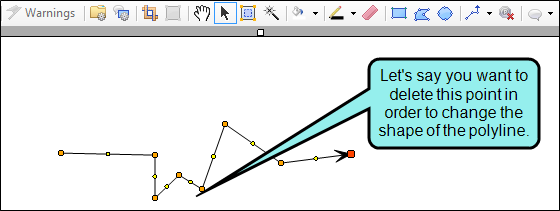
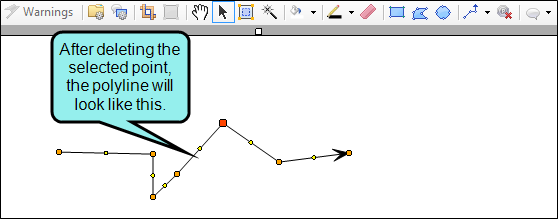
When you edit lines or polygons, you can delete points (the small colored circles in the object) in order to turn two line segments into one, thus changing the shape of the object.
[Menu Proxy — Headings — Online — Depth3 ]

How to Delete Points in Objects
- Open an image containing a line or polygon.
- Click on the object.
- Do one of the following:
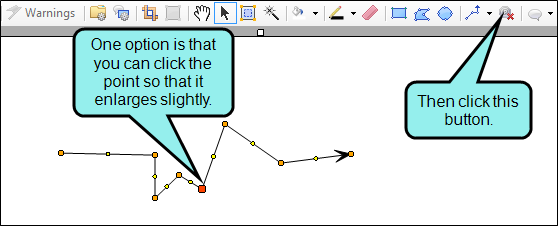
Click on the point (i.e., small colored circle) in the object that you want to delete, and in the local toolbar click
 .
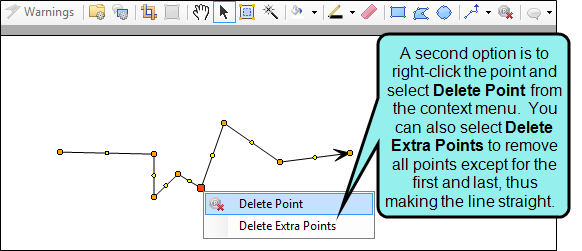
.- Right-click on the point (i.e., small colored circle) in the object that you want to delete, and from the context menu select Delete Point.
- Click
 to save your work.
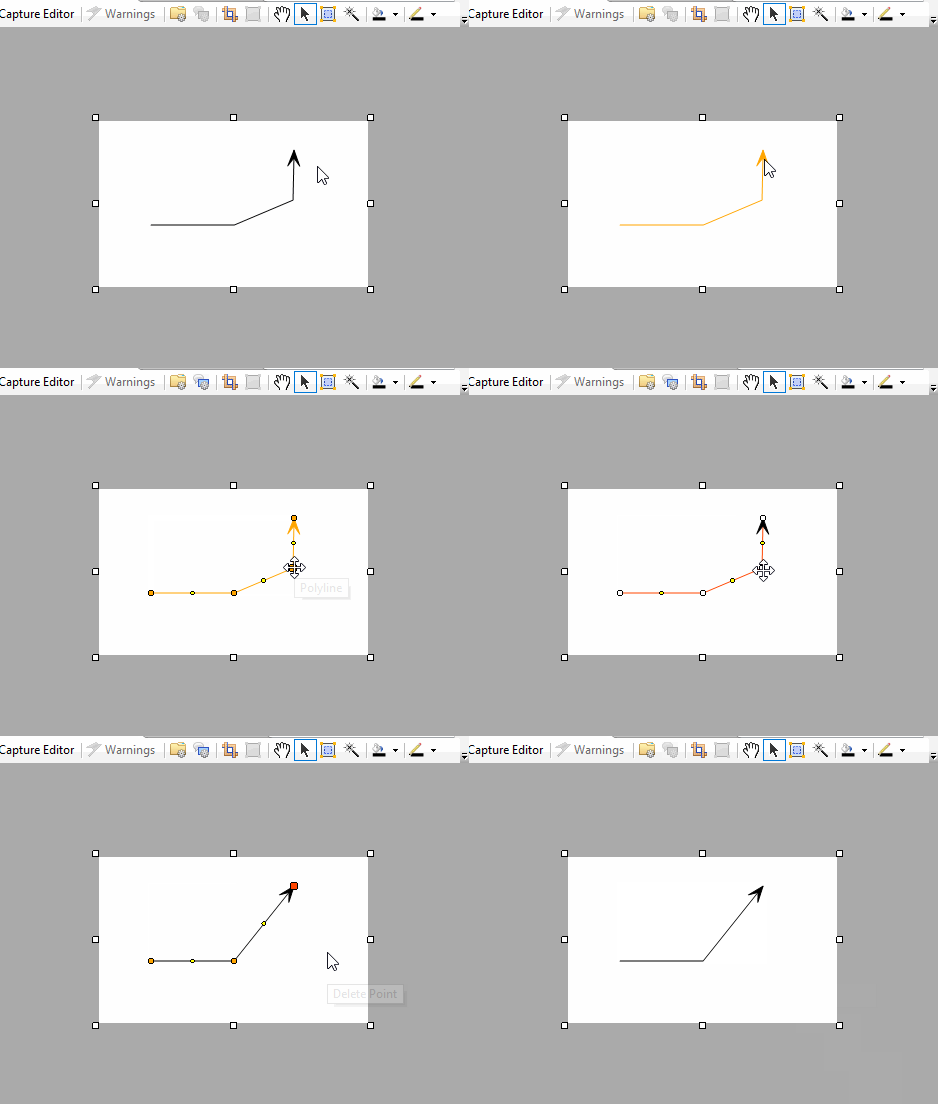
Example
Example
Here is an example of a line with several points.