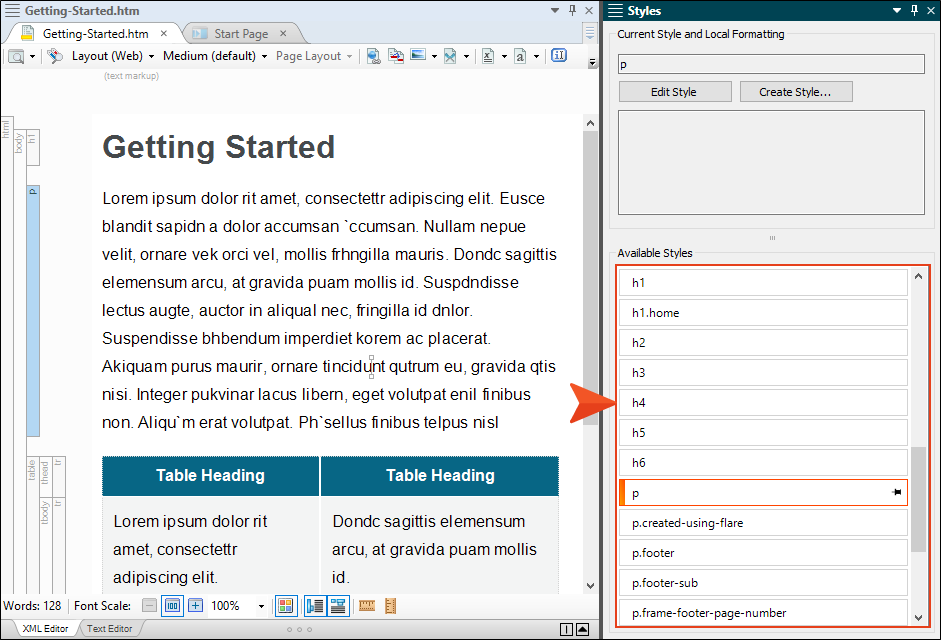
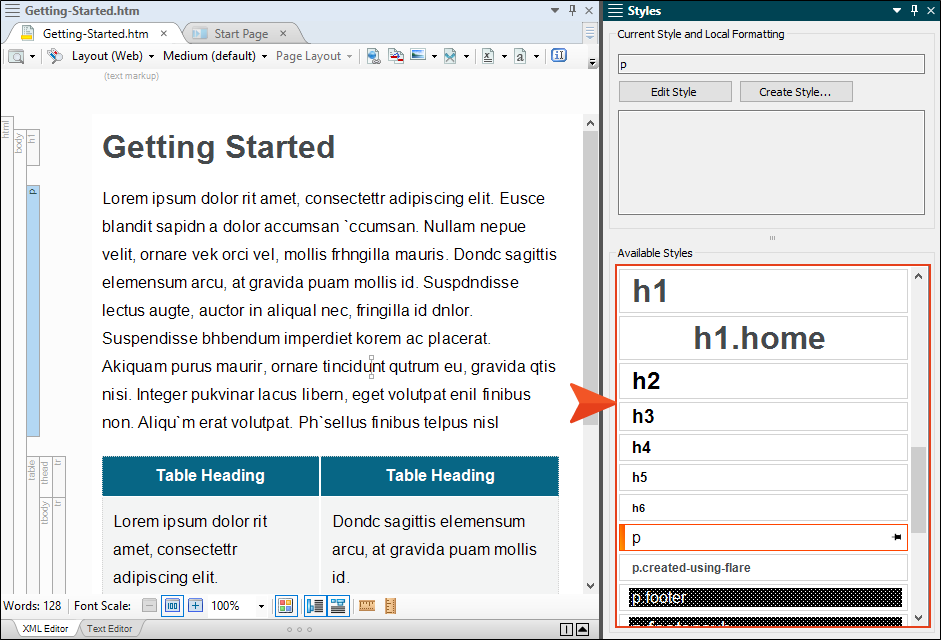
When you attempt to apply a style to content using the Style drop-down in the Home ribbon, the Styles window pane, or the floating Style Picker, previews of the various styles are shown by default. This gives you an idea of how each style looks before you apply it to the content.
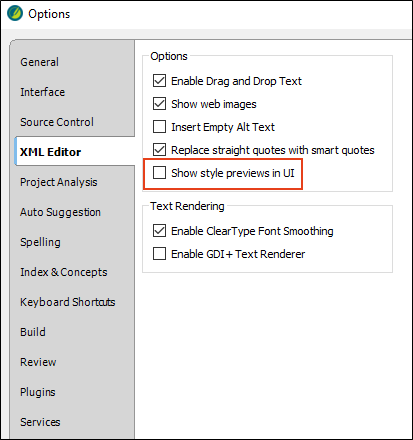
If you prefer not to see style previews in these areas of the user interface, you can open the Options dialog (File > Options) and disable the preview on the XML Editor tab. Remove the check mark from Show style previews in UI.
With this option disabled, all of the styles will be presented as plain text when you select them.