There is a new Progress column shown in the File List window pane, which you can open from View > File List. Until now, translators could use this window pane to see the status of each file (e.g., In Progress, Completed, Untranslated), but they could not determine how much work was left. Now that a percentage is displayed in the Progress column, a translator can tell at a glance how far along each file is.
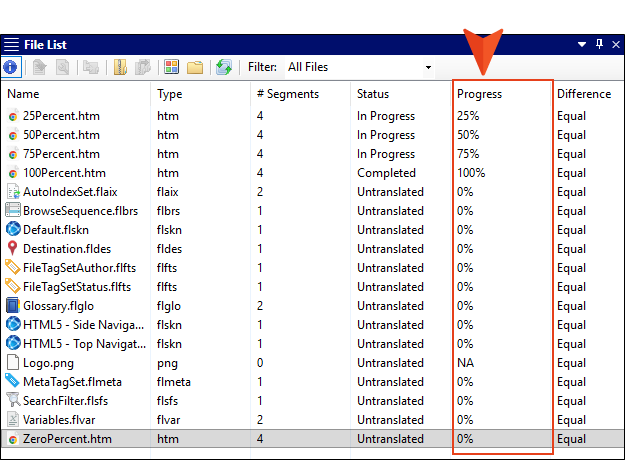
Note If the project was created in a version before Lingo 12, this column will display NA. However, if you update and save a file, then this column will display a percentage.

