If you are using Microsoft Translator for machine translation (MT), you can now choose a specific region when doing so. This is done in the Options dialog (File > Options).
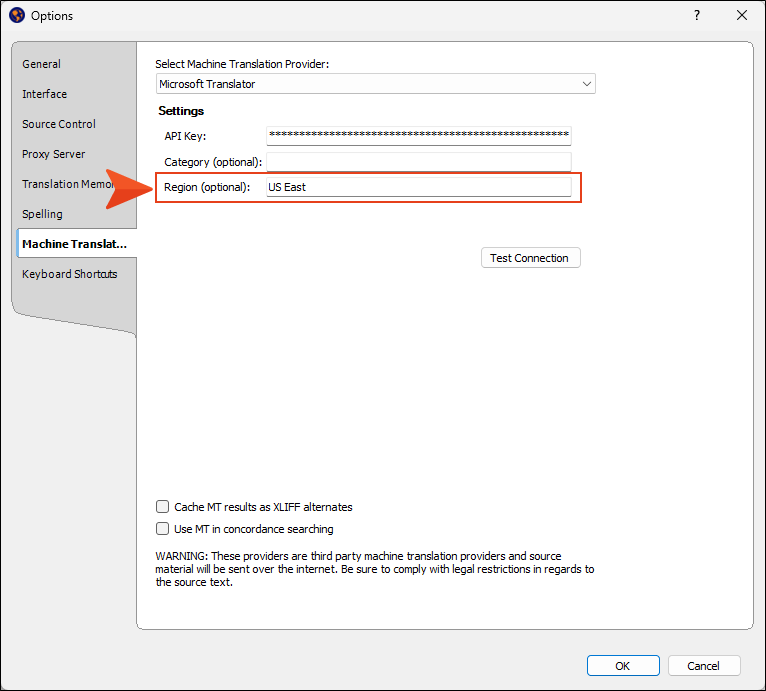
The reason for this new field is that some Microsoft Translator keys require a region, whereas others do not. If you have a key that requires a region, you need to enter it into this field for the key to be authenticated and MT to work. If you have a key that does not require a region, you can leave this field blank.

