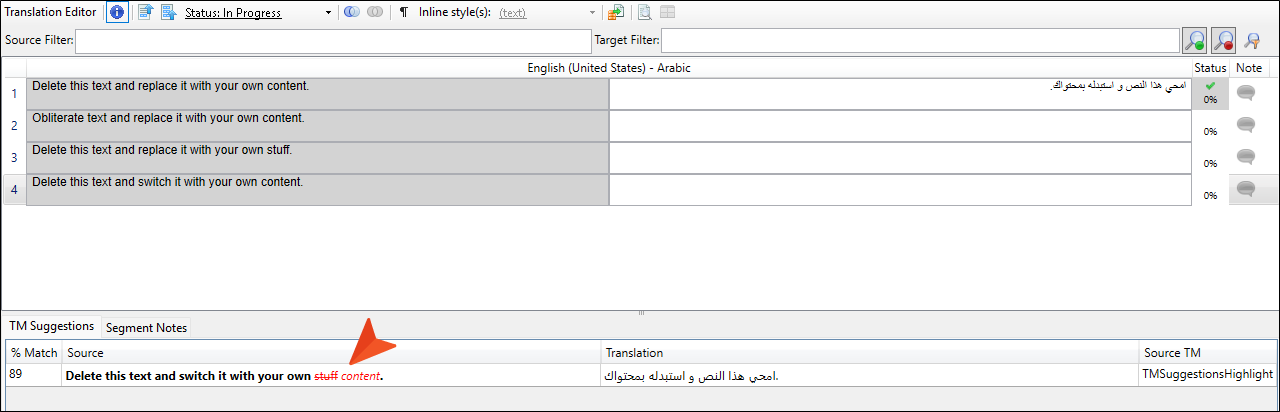
When using translation memory (TM) suggestions, highlighting of changed content helps with usability. Text that is the same, is shown in black. Text that has been removed is in red and crossed out. Text that is new is in red and italicized.
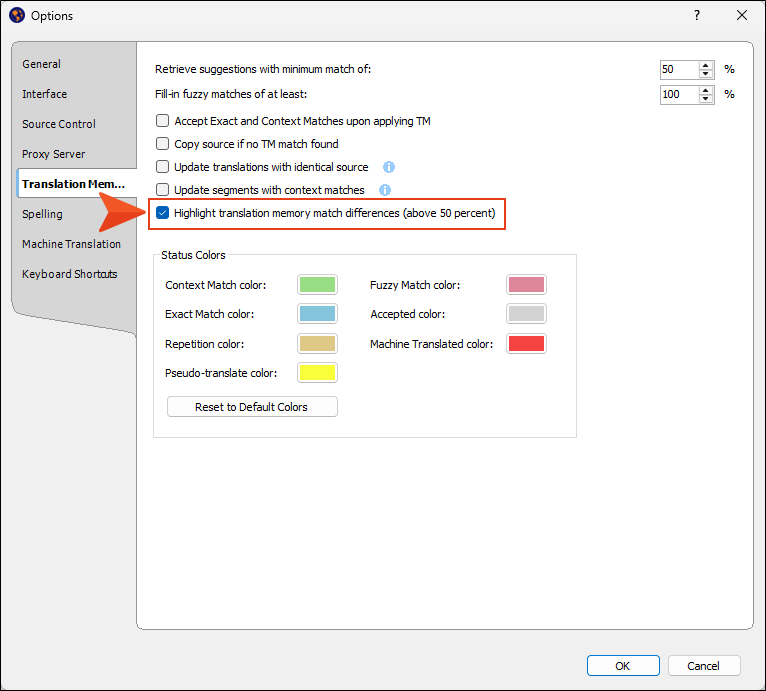
In order for this feature to function properly, the related option must be enabled in the Options dialog (File > Options > Translation Memory). (This option is selected by default.)